
My Role
User Experience Designer
User Interface Designer
Skills
Figma
User Research
Prototyping
Timeline
3 months
Overview
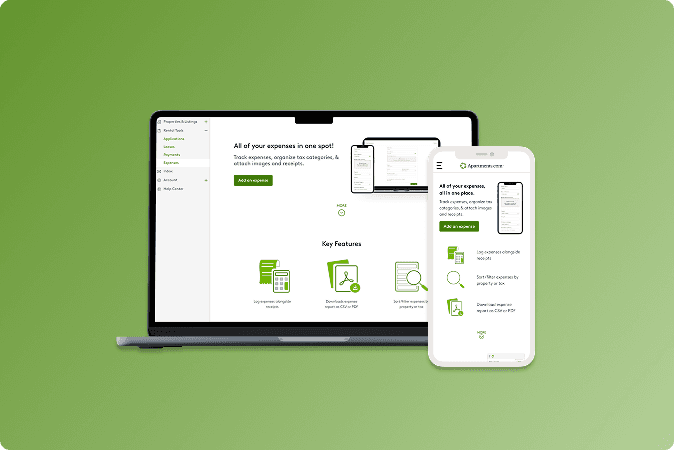
Revamping the Expenses Tool for landlords
This rental tool was specifically made for landlords and renters so that they would be able to track their various expenses on their portal without needing an outside source (i.e. Microsoft Excel, Buildium, Tenantcloud, etc)
How it went:
Throughout the 10 week internship, I worked with my Project Manager to design a new landing page in order to increase the amount of engagement as well as improve visibility for the landlords.
This entailed:
📌 short tutorial with real life examples
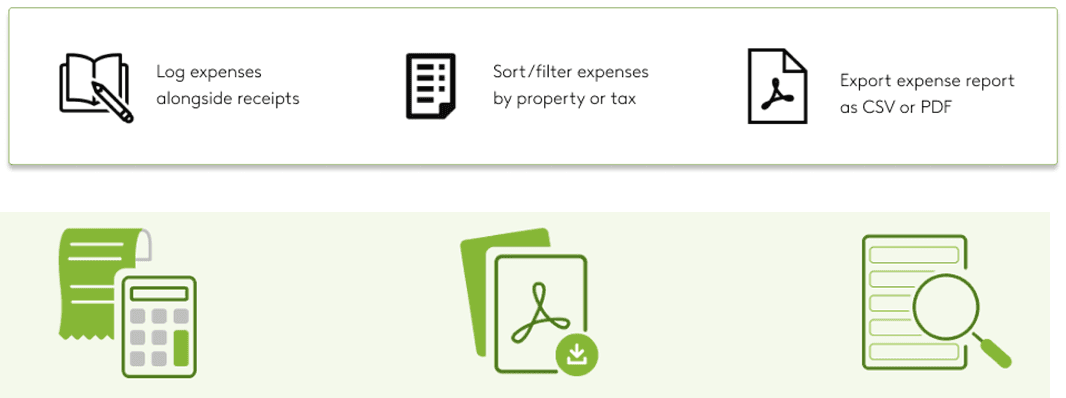
📌 new icons for easy understanding
📌 improved and engaging copy
How might we make the Expenses Tool landing page more engaging and intuitive so landlords are encouraged to actively track their expenses in-platform?
Research
Data Analysis
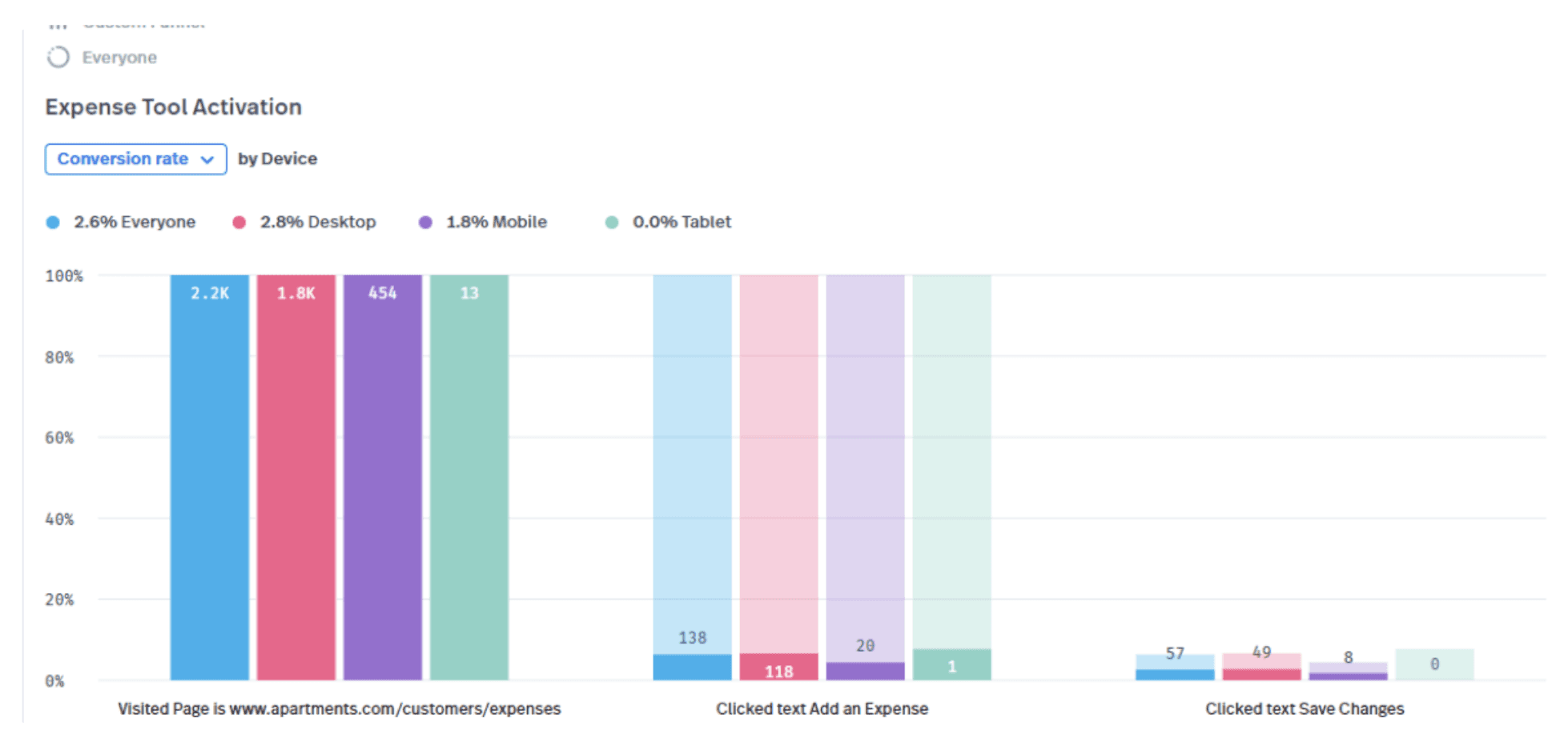
Through Full Story, we looked at Click-Rate and overall engagement with the tool. There was a clear, high bounce rate when visiting the page vs. engagement.
Product Review
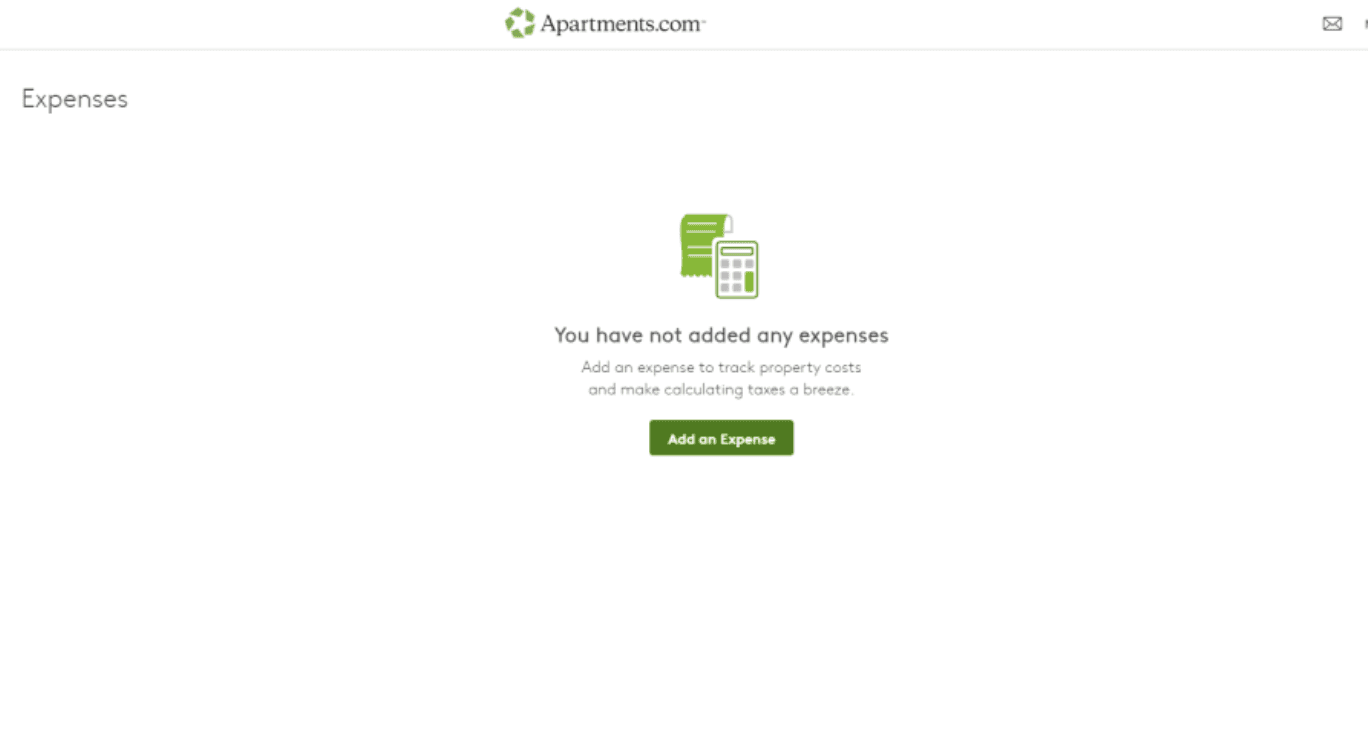
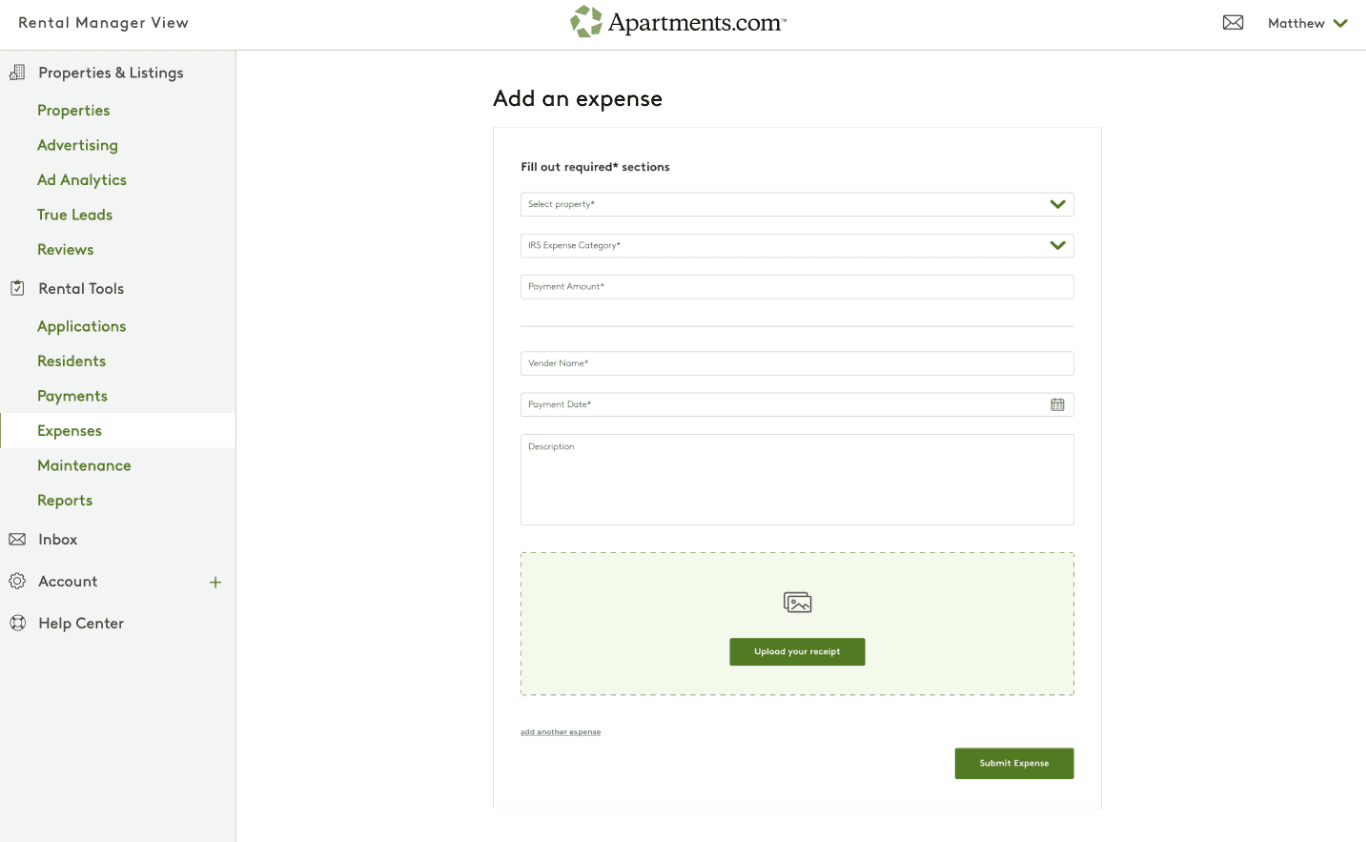
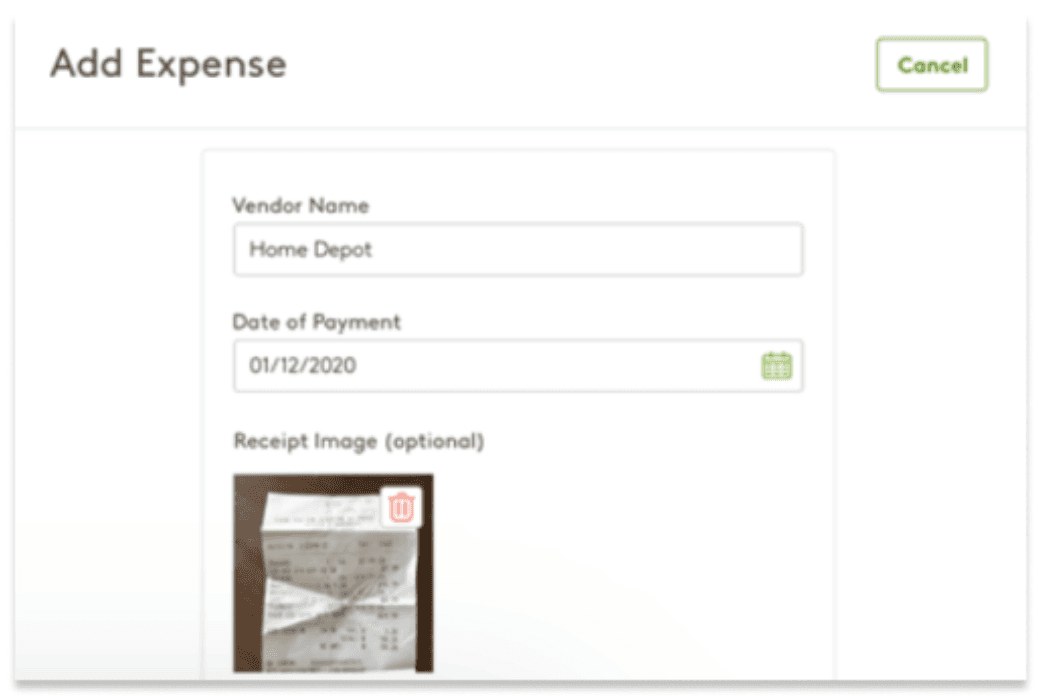
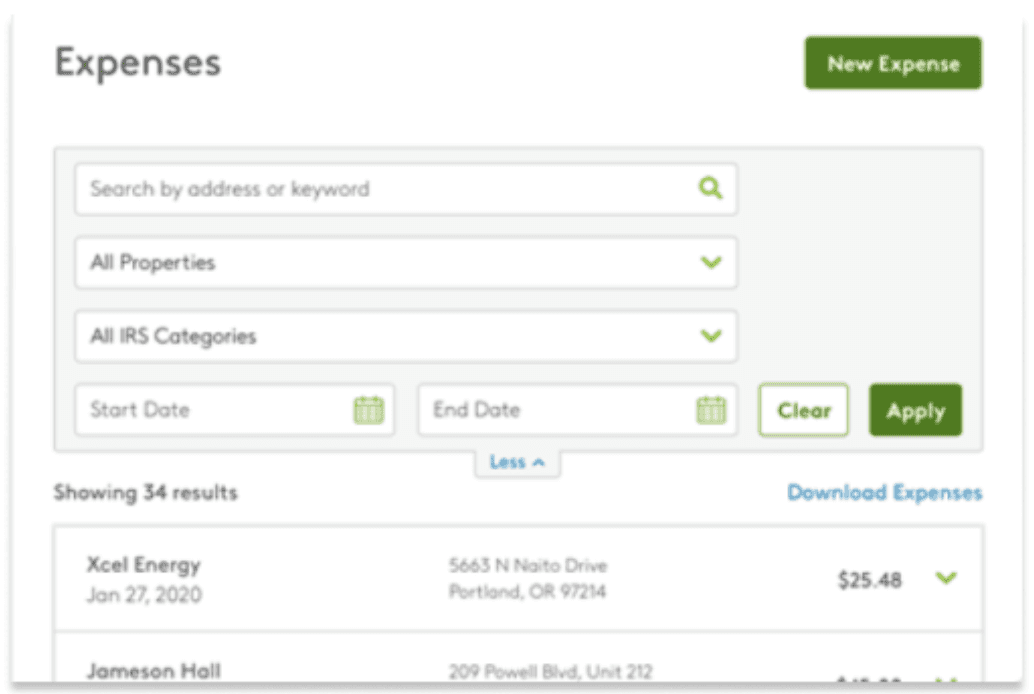
When doing the walkthrough of the current product, we noticed clear road blocks in the user process. When accessing the tool, users are immediately met with "add an expense" with no explanation at all.
1️⃣ Poor navigation / difficult to move through the page
2️⃣ Lack of explanation or onboarding
3️⃣ Users are forced into trial-and-error exploration
Market Research
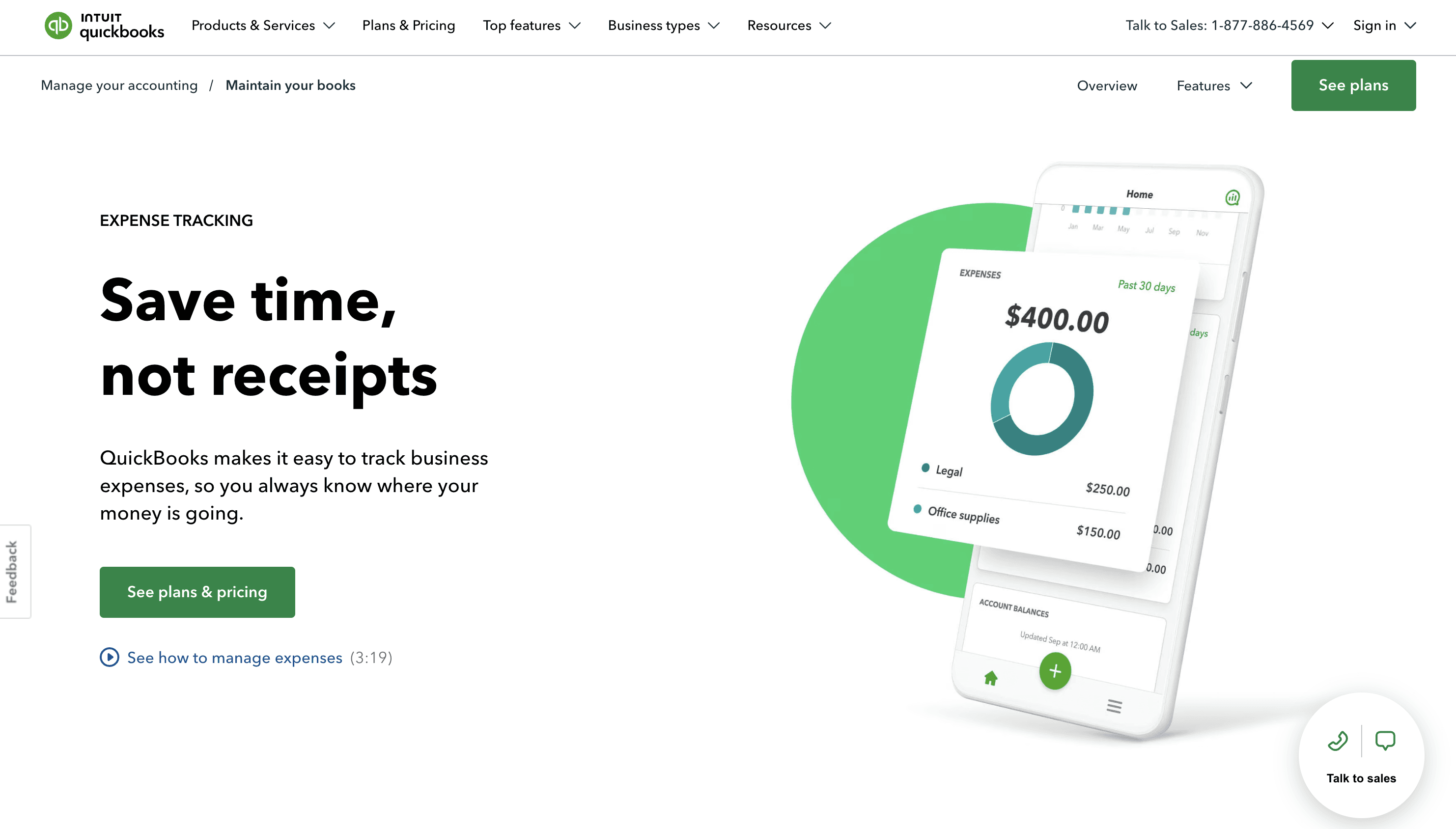
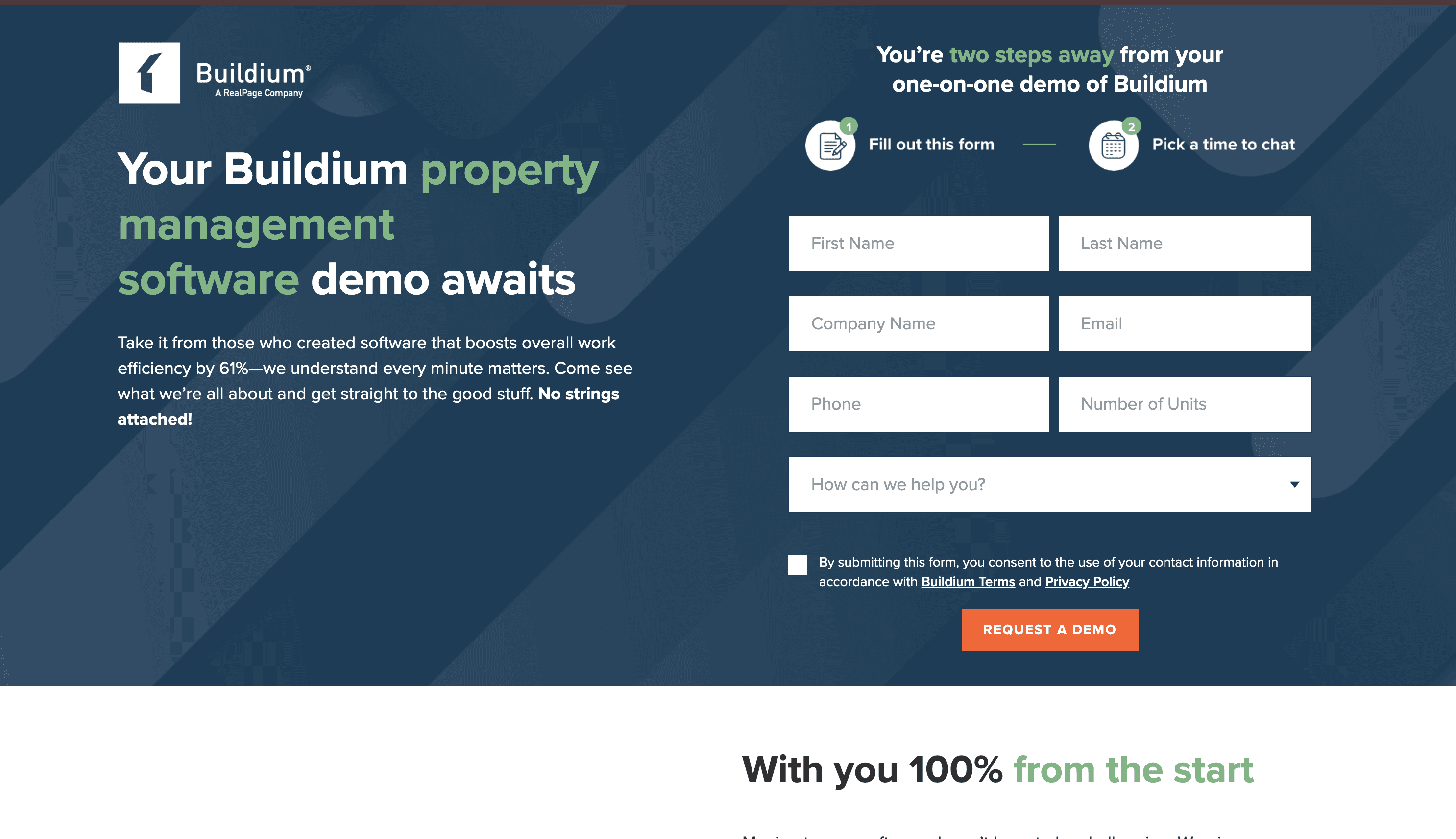
I did a deep dive of two competitor expense tool platforms: TenentCloud & Buildium.
Strenghts:
📌 Welcoming landing page
📌 Highlighting benefits & overall summaries
Weaknesses:
📌 No walkthrough
📌 Paid subscription based
Opportunities
Design Opportunities
This research led me to work with my team in creating 3 main opportunities to work towards:
Improve page navigation and structure
- Create a clearer layout and navigation flow so users can easily move through the expense tool without confusion.
Introduce clear explanations and context
- Add a brief description or onboarding content that explains the purpose of the expense tool and how it benefits the user.
Guide users with intuitive cues and workflows
- Design the interface to lead users through key actions, reducing the need for trial-and-error exploration
Early Concept
I moved into the brainstorming and early design phase for the landing page by creating multiple mockups that presented the same core information in different visual styles. This helped explore a range of aesthetic directions while keeping the content consistent.
Defining Features
Tutorial for easy understanding
To enhance the user flow so users can easily move through the expense tool without confusion.
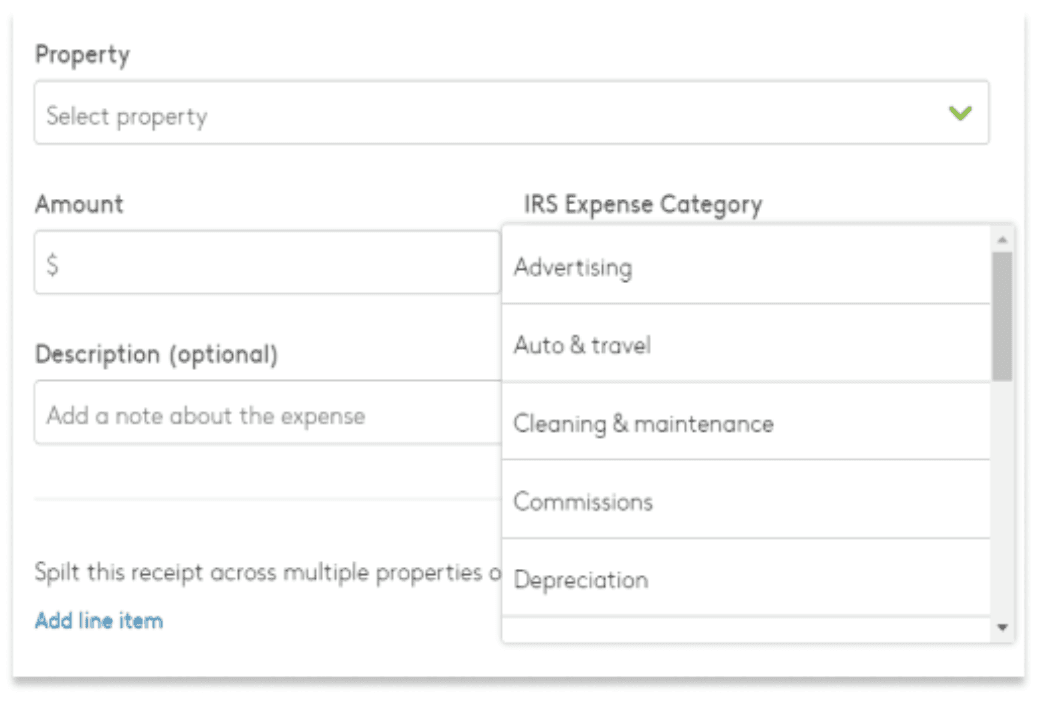
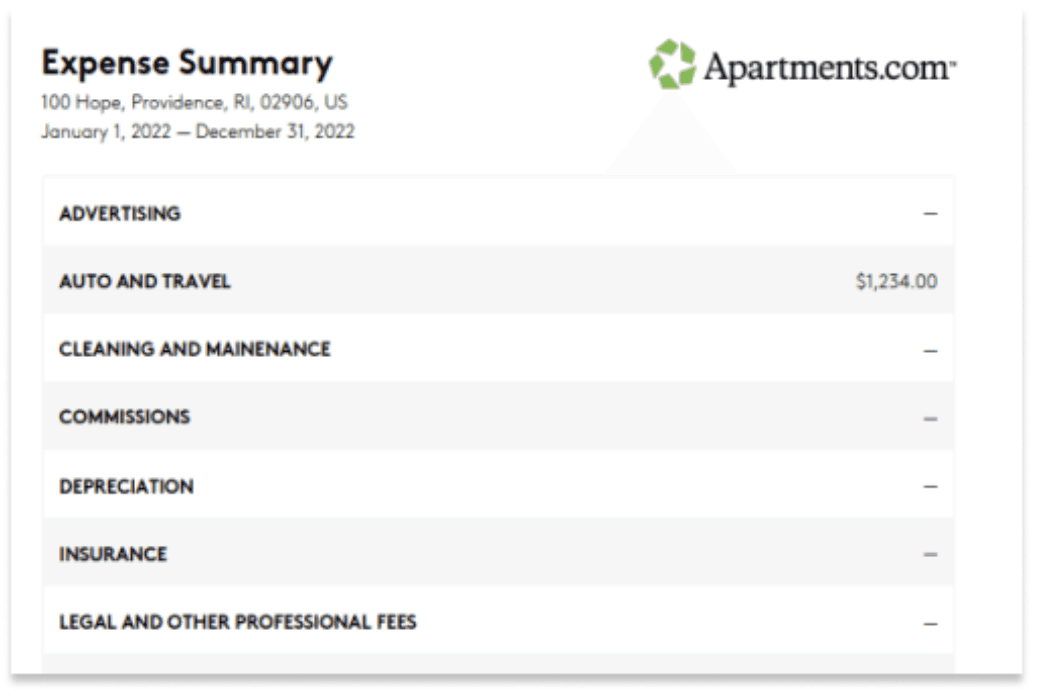
→
↓
←
Key features w/ icons
To lead users through key actions, reducing the need for trial-and-error exploration

Visual Language
Updating the design to match the branding of Apartments.com
and feel welcoming
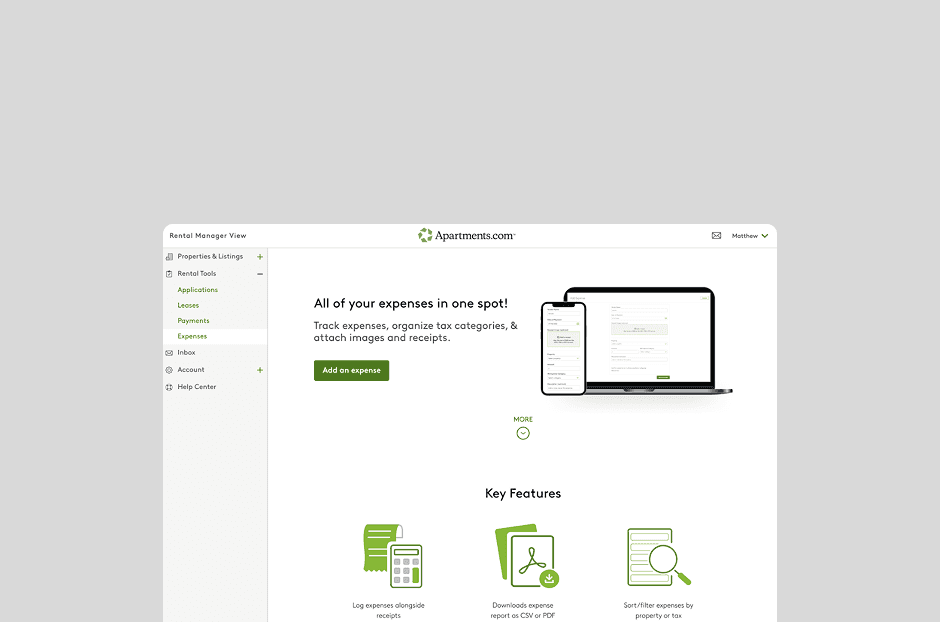
Final Iteration :)
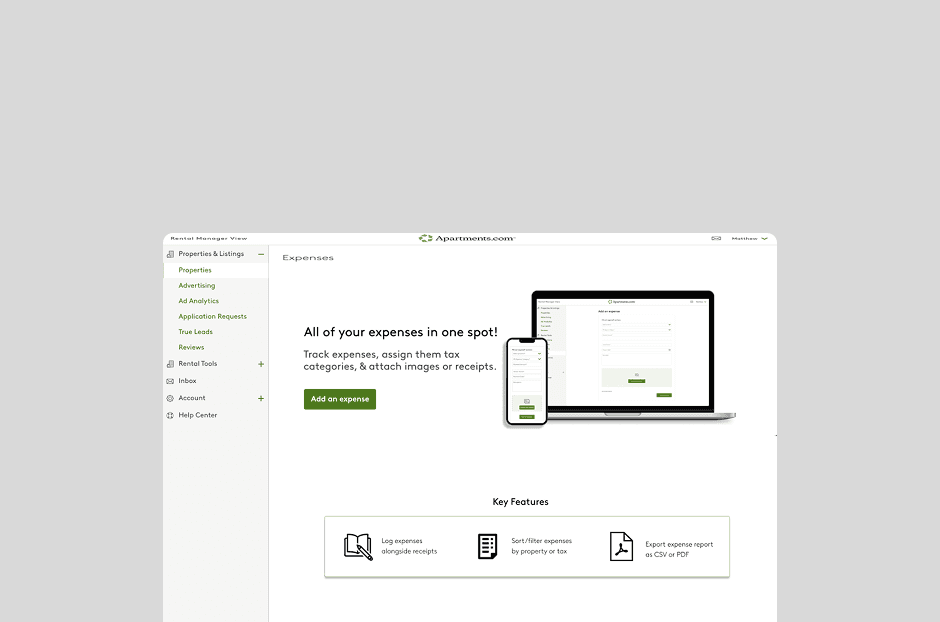
First Iteration :0
Creating new icons according to Apartments.com's brand
Final Design
Conclusion
End of Internship
At the end of my internship, I had the chance to present my project alongside my PM intern, Nikhita, the Apartments.com product and design team, and we received very positive feedback. Although the project wasn’t moved into development due to major internal changes, I’m incredibly grateful for the experience I gained during my 10-week internship at CoStar Group. It helped me sharpen my UI/UX skills, learn what it’s like working in a corporate environment, and grow my confidence moving forward. Huge thank you to my manager, Nathan Pak, for being an amazing mentor, and to the design team I worked with. I wouldn’t trade this experience for anything! 😊